Its been over a year since WordPress launched its revolutionary content editor The Gutenberg Editor

Initially I found it… distracting all I wanted was simply to write up my articles and hit the [publish] button, simple. The Classic Editor did what I wanted and was easy to work with as any of the traditional word processing softwares.
Then WordPress dared to do for content creation what Johannes Gutenberg a 15th century printer and publisher for whom the editor is named did for print industry by introducing a movable type printing system which ignited the print revolution.
Re-imagine the internet
“The web up until this point has been confined to some sort of rectangular screen. But that is not how it’s going to be. Gutenberg has the potential of moving us into the next time.” Morten Rand Hendriksen
What is Gutenberg?
Gutenberg is the WordPress editor that uses content blocks with preset layouts and formats such as paragraph, image and many other options to customise posts and pages.
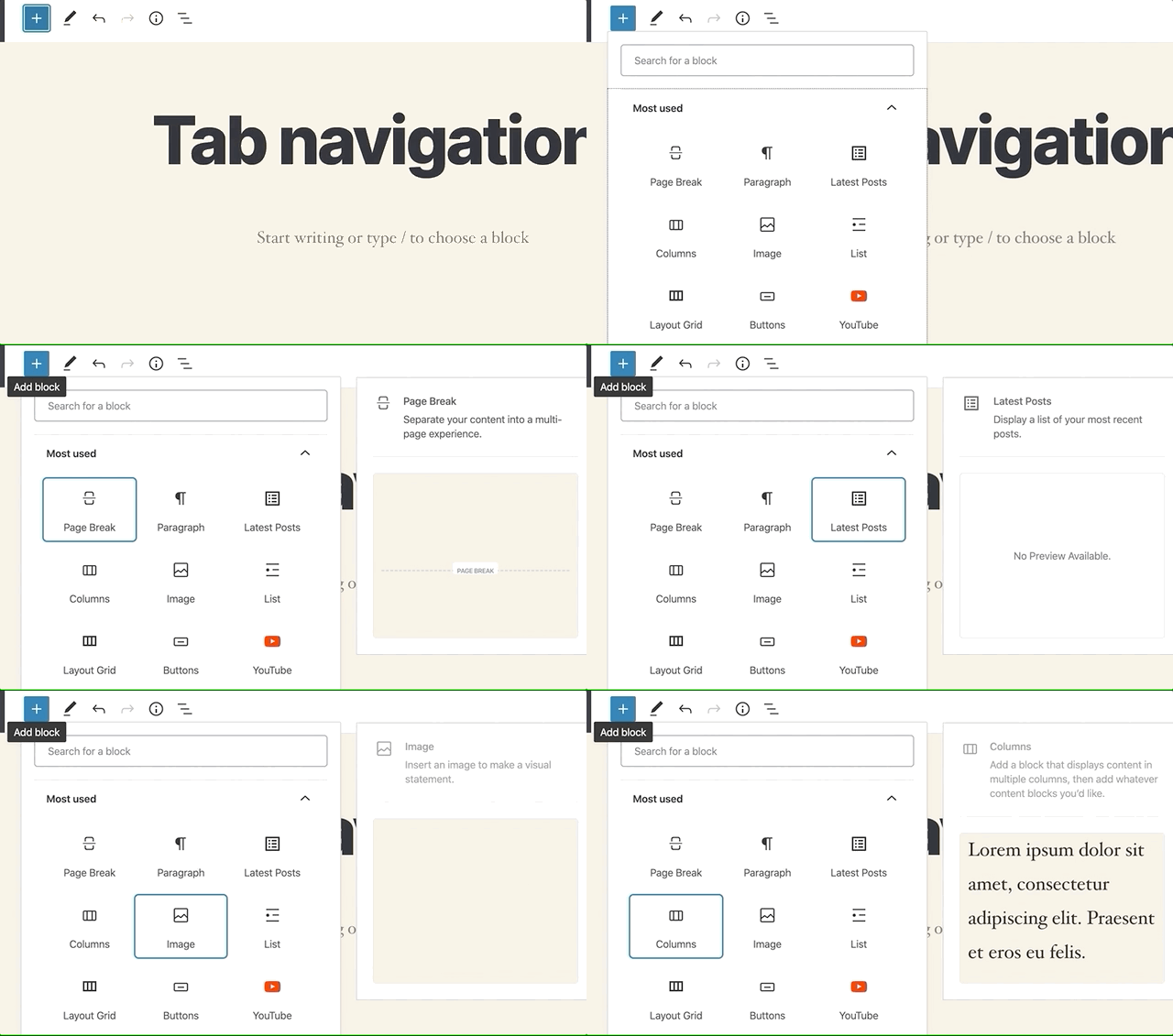
I have been using the Gutenberg Editor from before the official launch (Nov 2018), I was a bit skeptical at first, as one who does not appreciate unsolicited upgrades but I have grown attached to the editor which allows one to make dynamic content fusing multimedia layouts.

If you have been using it for a long time you will notice that subtle changes have been going on in the Gutenberg editor.
Whats New Gutenberg?
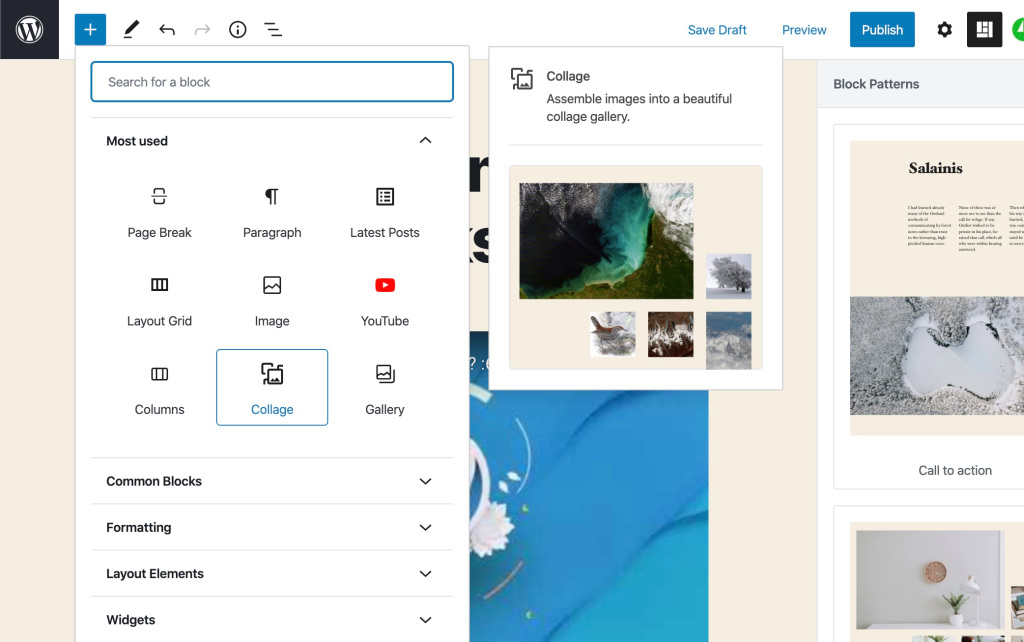
The editor has undergone redesign with layout and interface changes making it simpler and there’s a new range of blocks
You can now change the colour of a target selection in a block
Before this you could only manipulate the colour of all the words in a block but not target single words or letters. Now you can.
Just select a word(s) and click on the drop down menu and choose the colour you want

Block patterns
Gutenberg has a wide range of blocks and now the editor has predefined block layouts called Pattern Blocks giving you ready to tweak combinations of blocks.

Be explorative don’t be afraid to check out what the other blocks can let you to do from embedding a tweet to various other options, your site is not a black and white newspaper, even now some newspapers compete with magazines.
Spice up your site, the internet is a digital canvas and your blog is your very own blank canvas…
A few quick tips
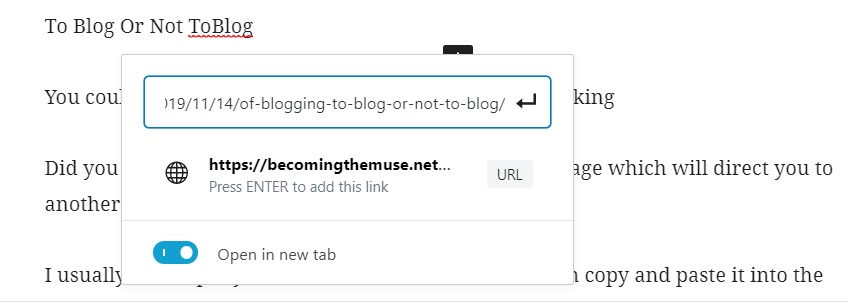
When you are sharing a link instead of simply copying and pasting the whole internet like this:
https://becomingthemuse.net/2019/11/14/of-blogging-to-blog-or-not-to-blog/
Why not make it neater:
Use the format options to insert a link on a selected text.
You could use a button block for something more visually striking
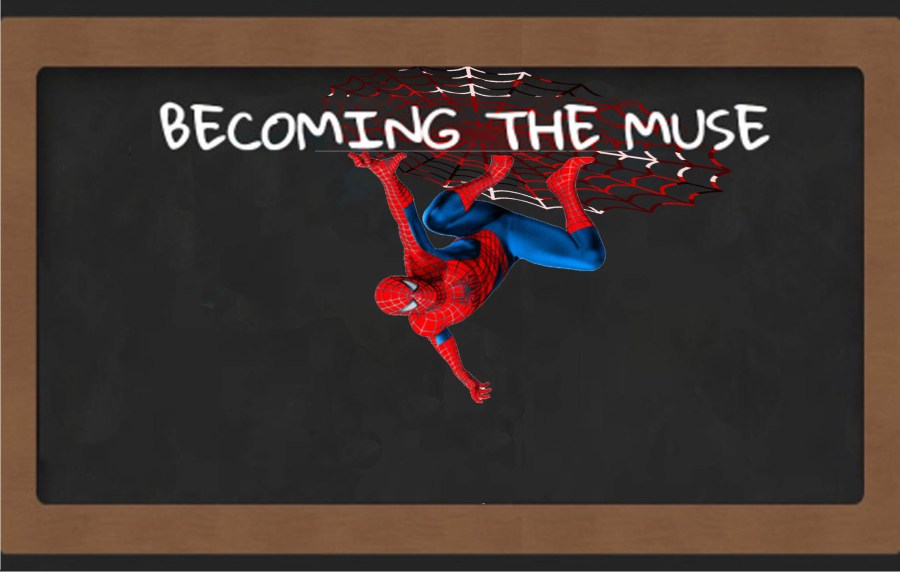
Did you know you can share an image as a clickable image which will direct you to another link?
What I love about Gutenberg
I usually draft up my articles in Microsoft Word and then copy and paste into the WordPress Editor where all the paragraphs automatically become individual blocks then I can simultaneously proofread and edit block by block..
The spotlight feature makes it easy to focus on one block at a time

**If you want all the text you copied to appear in one block use the [paste as plain text] command
Improvements I would like to see:
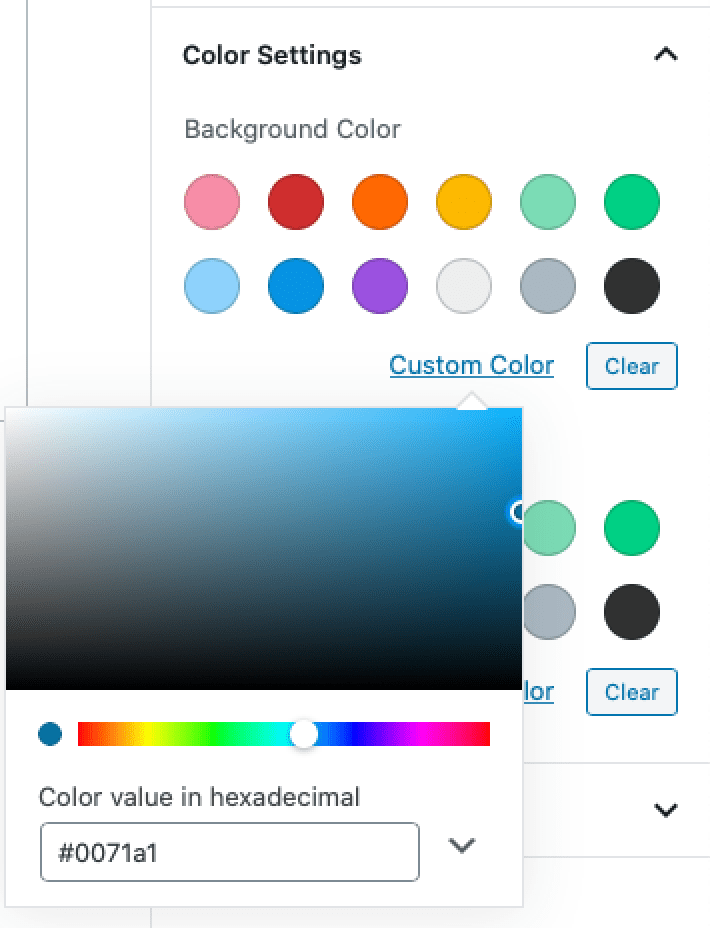
*I love how you can customise the colours of words and blocks but I want to see it show a larger range in the colour picker or allowed you to customise the quick picks or at least remembered the custom colour you selected so they would be available for quicker selection and you would not have to struggle to match that favourite colour you chose the last time was. (yes you can just copy the hex colour code but still…)
Concluding thoughts
I think WordPress is onto something, Gutenberg is going to revolutionise the internet and trust me one day, WordPress is shaking things up, currently 35% of internet sites are powered by a WordPress core.
Gutenberg still has kinks that need ironing out but they are on the right path once upon a time we speculated on how Gutenberg could either make or break WordPress looks like its going to more of the former than the later.
A digital revolution is in progress
How has Gutenberg been treating you? Suggestions and questions can be asked in the comment section below ^_^
~B
…for those stuck trying to get back to the Classic Editor click the three dots at the top right corner and scroll down to Switch To Classic Editor, you are welcome.


 Becoming The Muse
Your thoughts.. if you will?