

WordPress recently announced the New Jetpack App which pretty much does everything one is currently able to do on the WordPress mobile.

If you are signed into Jetpack services, you have probably received prompts or emails asking you to try the new app. I have dipped my feet into the new experience and will attempt to breakdown the experience.
What is Jetpack?

Jetpack provides security, performance, and growth tools for WordPress sites. It has tools and resources that help one manage, secure and streamline traffic to their website.
WordPress.com sites are created pre-loaded with the basic Jetpack resources whether on free plans or paid plans.
For those on the self-hosted version of WordPress, Jetpack offers a suite of plugins that help manage a website similar to the experience on WordPress.com including options that help backup, speed up and secure a website.
Jetpack is brought to you by Automattic, the guys behind WordPress, Tumblr, WooCommerce, CrowdSignal and many other web services. Fun Fact: The company’s name is a play on founder’s first name Matt Mullenweg and automatic-… autoMATTic
To date, Jetpack features come bundled with the WordPress mobile app. During the course of this year, those features will no longer be available on the WordPress mobile app. To access them you will need to switch apps.
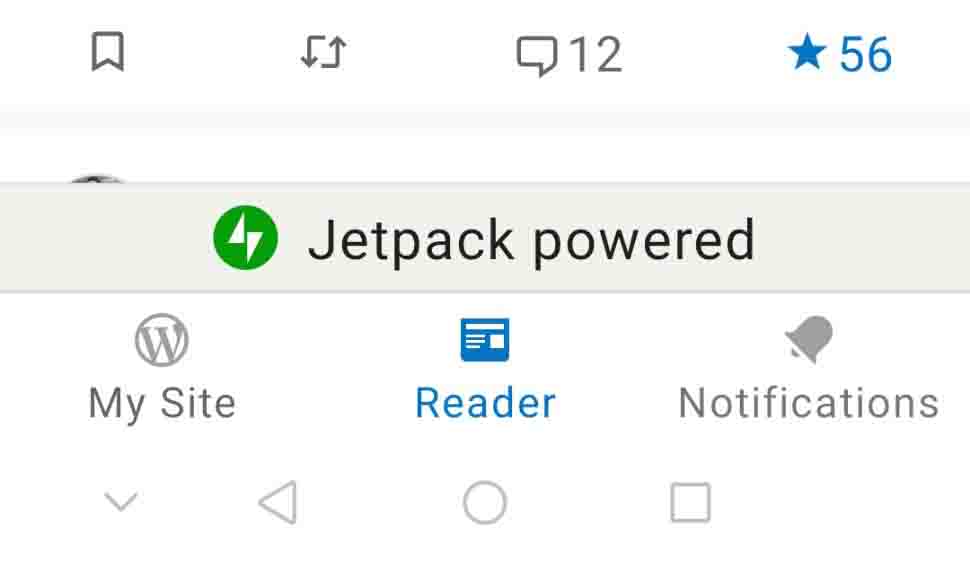
If you are still using the WordPress App updated version, you can identify the Jetpack Features which will be marked with the designation Jetpack Powered and if you click on that tag you will get a flyer asking you to switch over to the new app.
How to get the new JetPack App
The JetPack Mobile App available to download on Playstore or AppStore


-For a seamless transition, ensure you were using the latest version of the WordPress App before migrating to the JetPack App so that you do not lose an locally stored drafts. Simply download and log into the JetPack app using your WordPress.com credentials or your URL if self-hosted. Once done, you should delete the old app as they are not to compatible with running simultaneously and might result in malfunctions.

The Jetpack App
Upon successful migration you should find that apart from the colour scheme and logo change your experience will be exactly quite like as it was as while using the WordPress mobile App..

So far there are no additional features and or pricing changes, all the features which came free are still free, though some have speculated that in the future there might be some in-app purchases and products that will require some payment models.
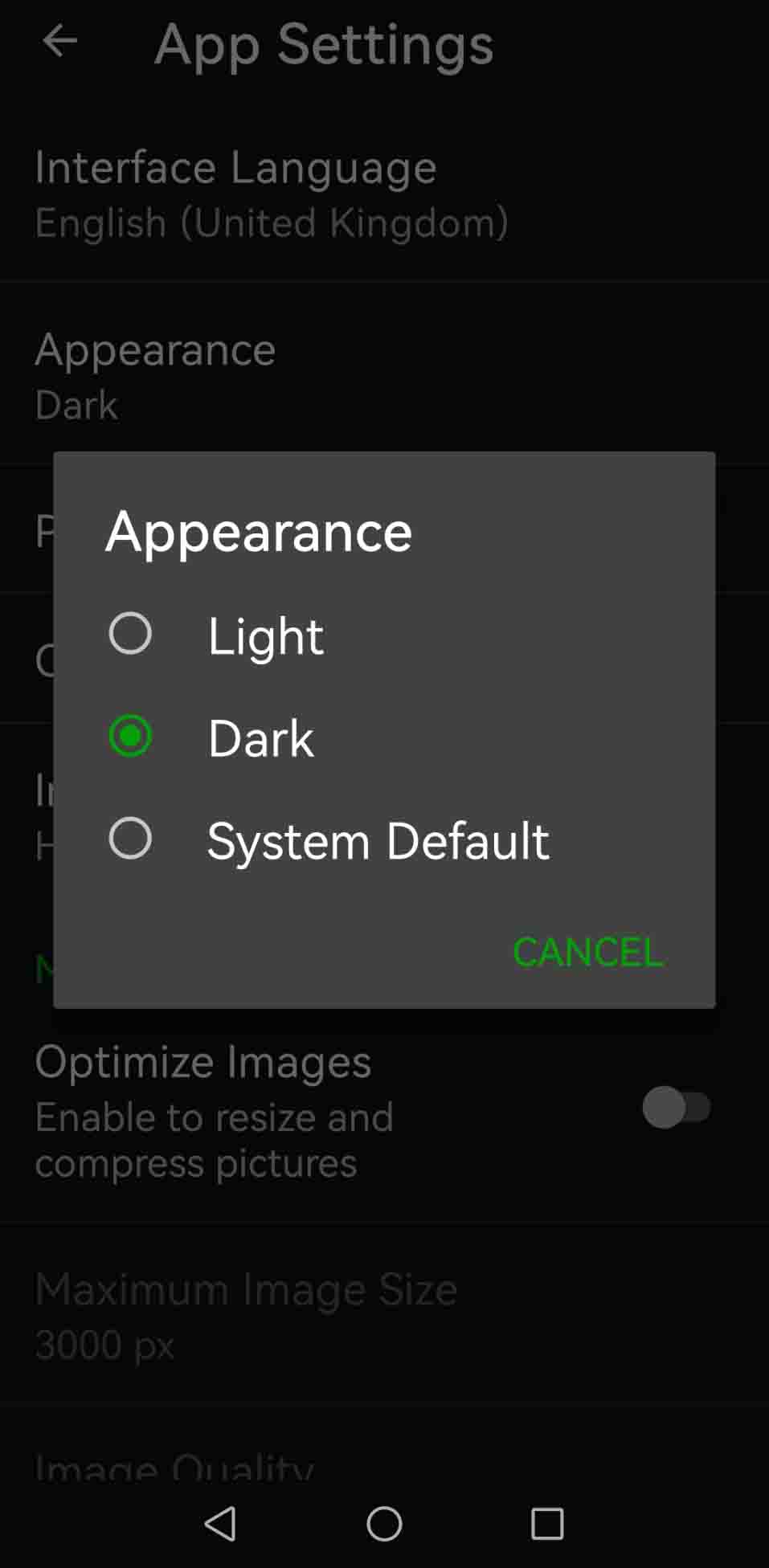
First thing I did was activate darkmode… My experience has been pretty much the same as when using the WordPress App, except I really miss the Blue Colour scheme highlights and seeing the W logo on notifications.
I don’t create blog posts via mobile phone, so am not sure if the post creation handles any differently.
However I did notice a curious glitch whereby if I clicked a WordPress.com link in my mobile browser or from instant messenger apps and opened in the app, I would be unable to like or comment, but if I navigate to the same article via the reader the options would be enabled.

A Tale Of Two Apps
I am a firm believer in not fixing anything that is broken, especially if it means forcing unnecessary change on people. That said, seems like a time will come will when you have to make a choice between using the WordPress App and the JetPack App

WordPress App or JetPack App which one should you choose:
Use the WordPress App if you are primarily interested in publishing tools, media from your phone gallery, offline drafts and that’s about it.
The Jetpack App gives you the same publishing tools but will additionally give you access to notifications and comments, reader feed and site analytics. Which are practically the tools which power a blog’s community and networking. Choosing to switch might be inevitable for some bloggers.
If you running self-hosted WordPress sites then I recommend installing the Jetpack Plugin and using the mobile app to manage the sites.
Why are they making us choose?
According to a WordPress blog, Refocusing the WordPress App on Core Features:
Over the years, the WordPress app has evolved to meet a diverse range of site administration needs and use cases. Features like Stats, Reader, and Notifications were introduced with the hope of meeting some of these needs. However, these features require the Jetpack plugin or a WordPress.com account to function and can make the app overwhelming for folks who want a simpler experience.
For the sake of clarity and closer-to-core experience, the mobile team will be working to refocus the app on staple features you’d find with a fresh download of WordPress.
Features that will be moved to the JetPack App
- Stats
- Activity Log
- Backup
- Sharing (Jetpack Social)
- Reader
- Notifications
- Jetpack blocks (Gutenberg Editor)
- @-Mentions and Crossposting (Gutenberg Editor)
Both Apps will be supported, continue functioning and receiving updates.
As I mentioned earlier there’s speculation that different pricing models might be introduced down the road which may see some features become premium, or maybe they may offer new premium features all together.
Do you use either of the WordPress mobile apps? Will you or have you switched?
~B


 Becoming The Muse
Your thoughts.. if you will?